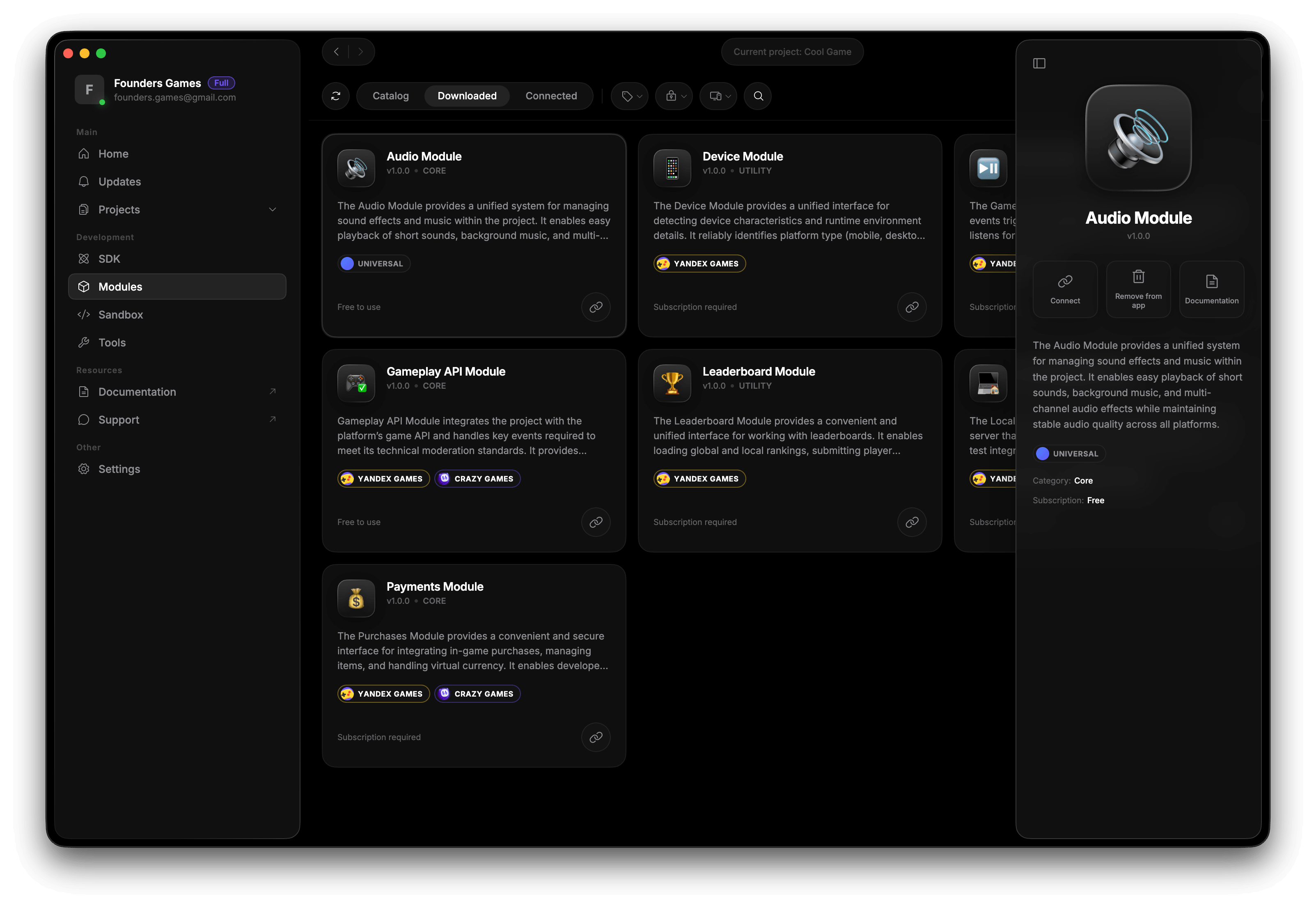
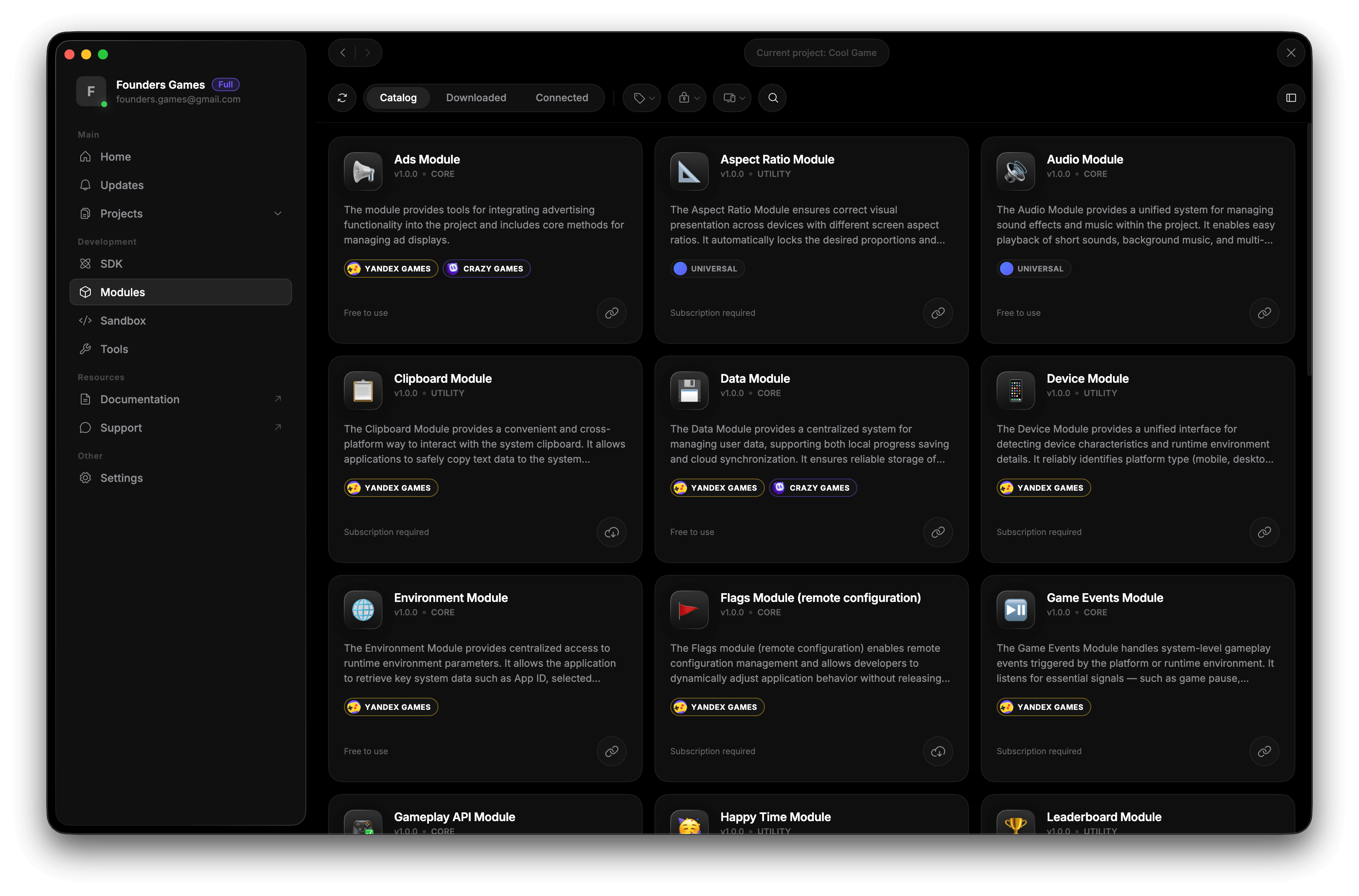
All modules in one place
Browse the catalog, install, update and connect modules to projects through a unified interface.
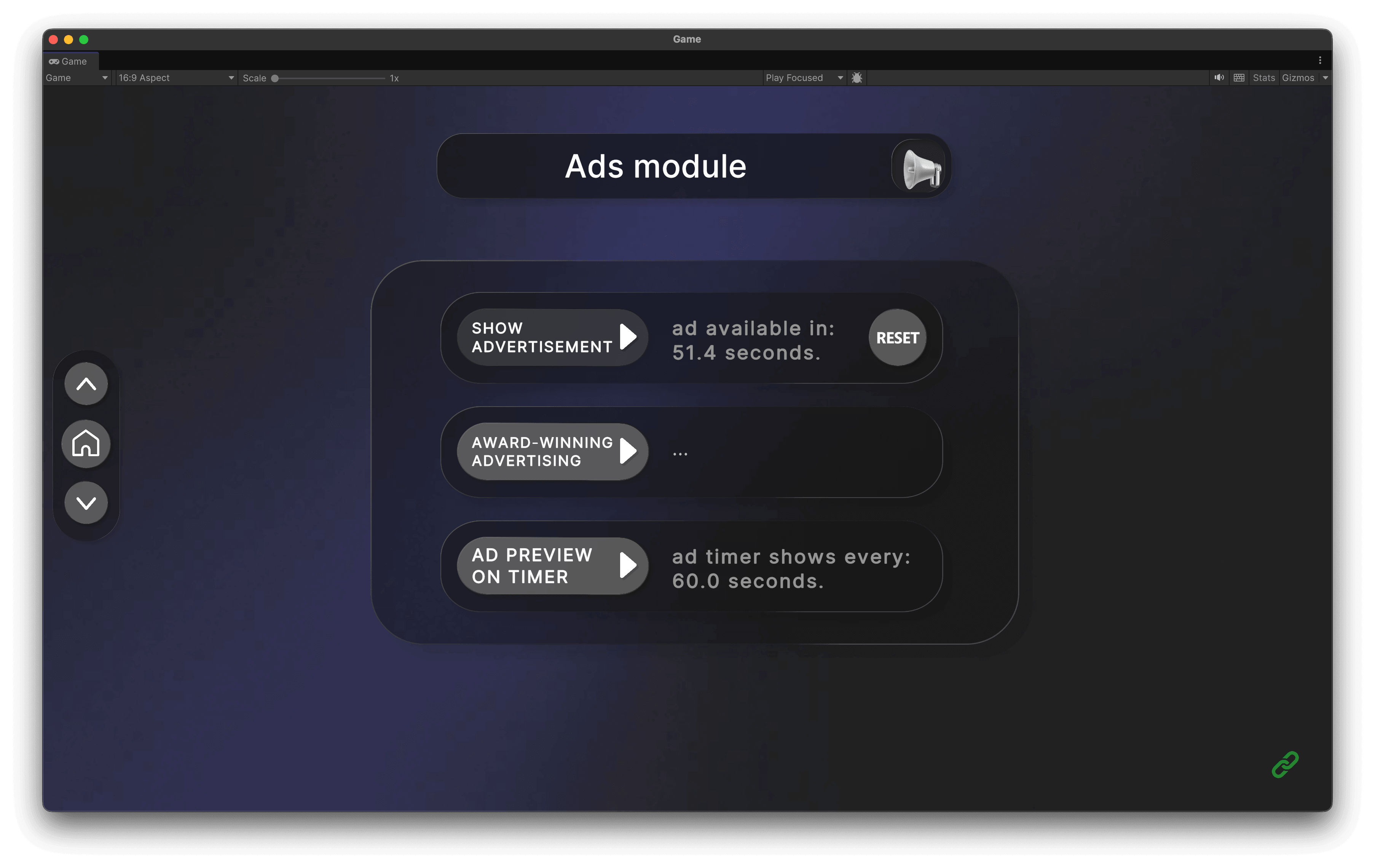
All features can be tested immediately after installation through Demo Panel. Explore modules and ready-made implementation examples.
Configure modules through a convenient interface or use the API for full development freedom.
Browse the catalog, install, update and connect modules to projects through a unified interface.
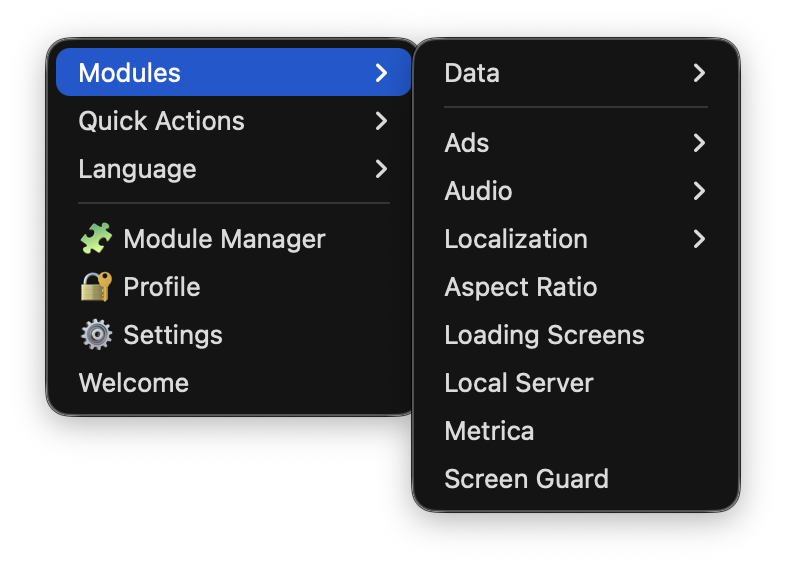
Most modules provide a ready-made configuration interface and can easily be extended through the API when needed.
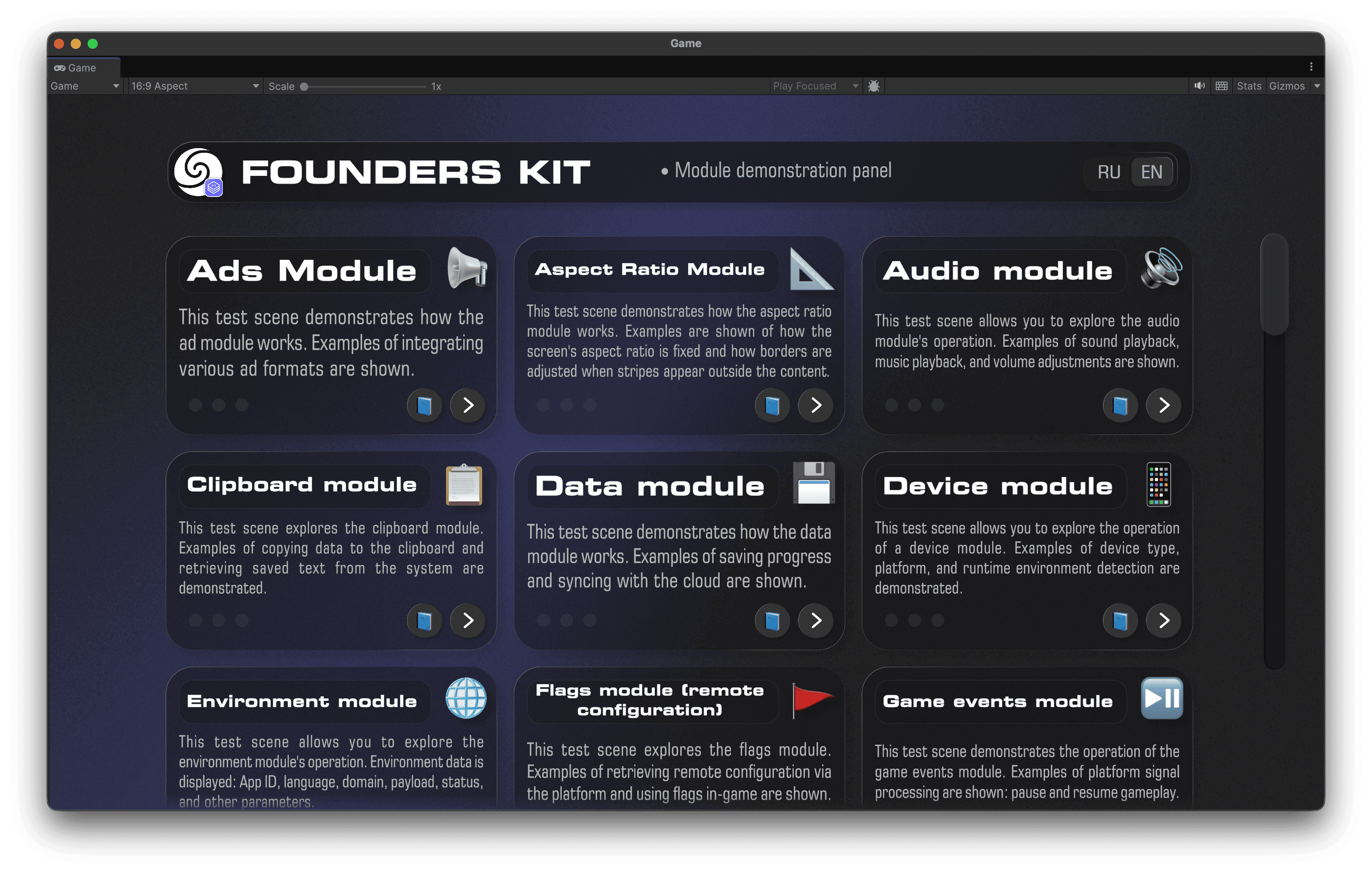
Try module features directly in the editor and quickly verify integration without extra setup.
You get more than code — a ready-made Unity environment for building, testing, and publishing your games.
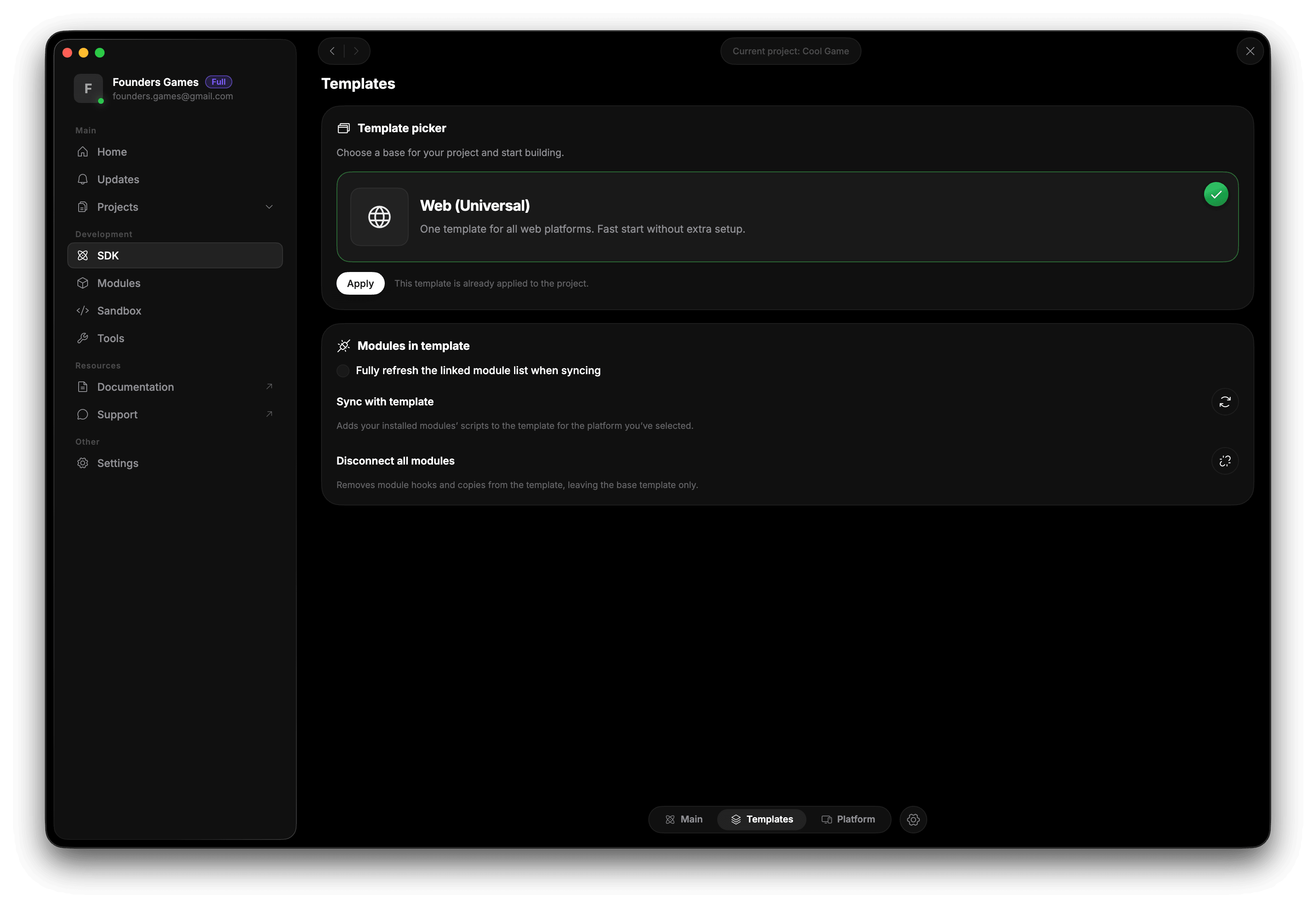
A ready-made build template with platform integration and proper browser scaling.
Explore working scenes and integration examples to adopt new capabilities faster.
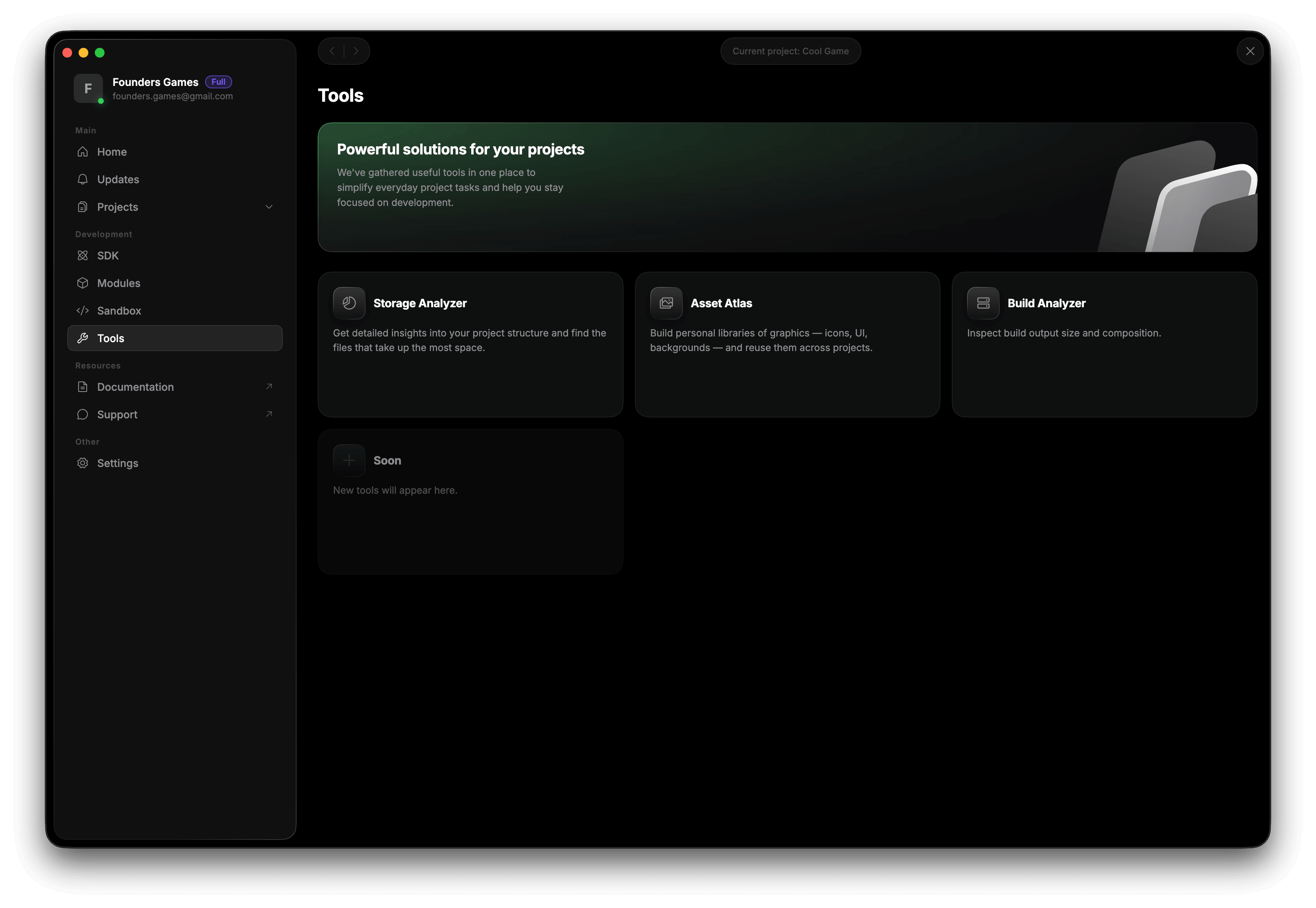
Analyze projects, manage assets and use built-in tools for everyday development.
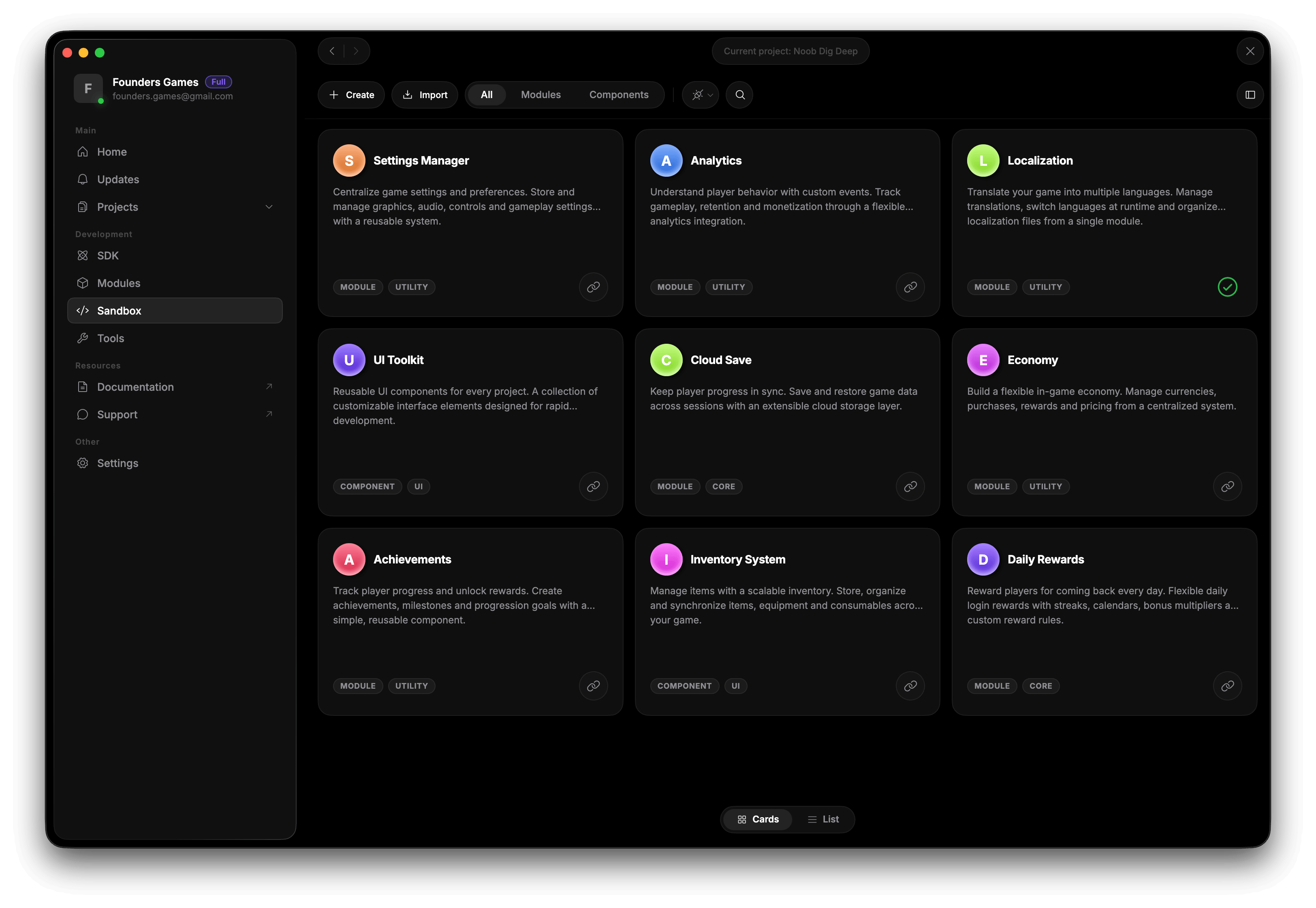
Develop modules and components, keep them in your personal library and connect them to new projects in one click.
Founders Kit integrates into your project in a few minutes
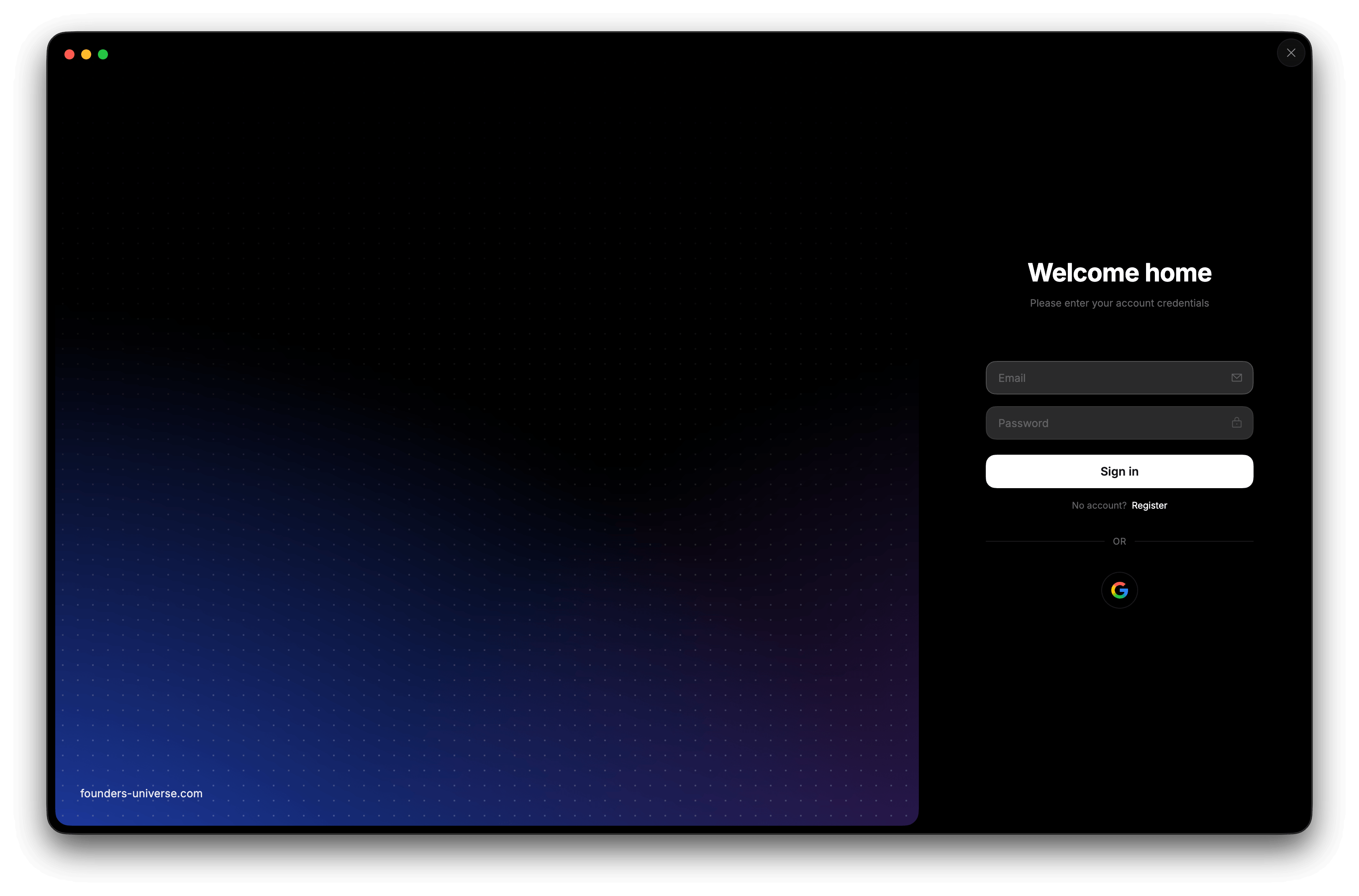
Create an account and sign in directly in the Founders Kit app — no extra redirects or manual environment setup.
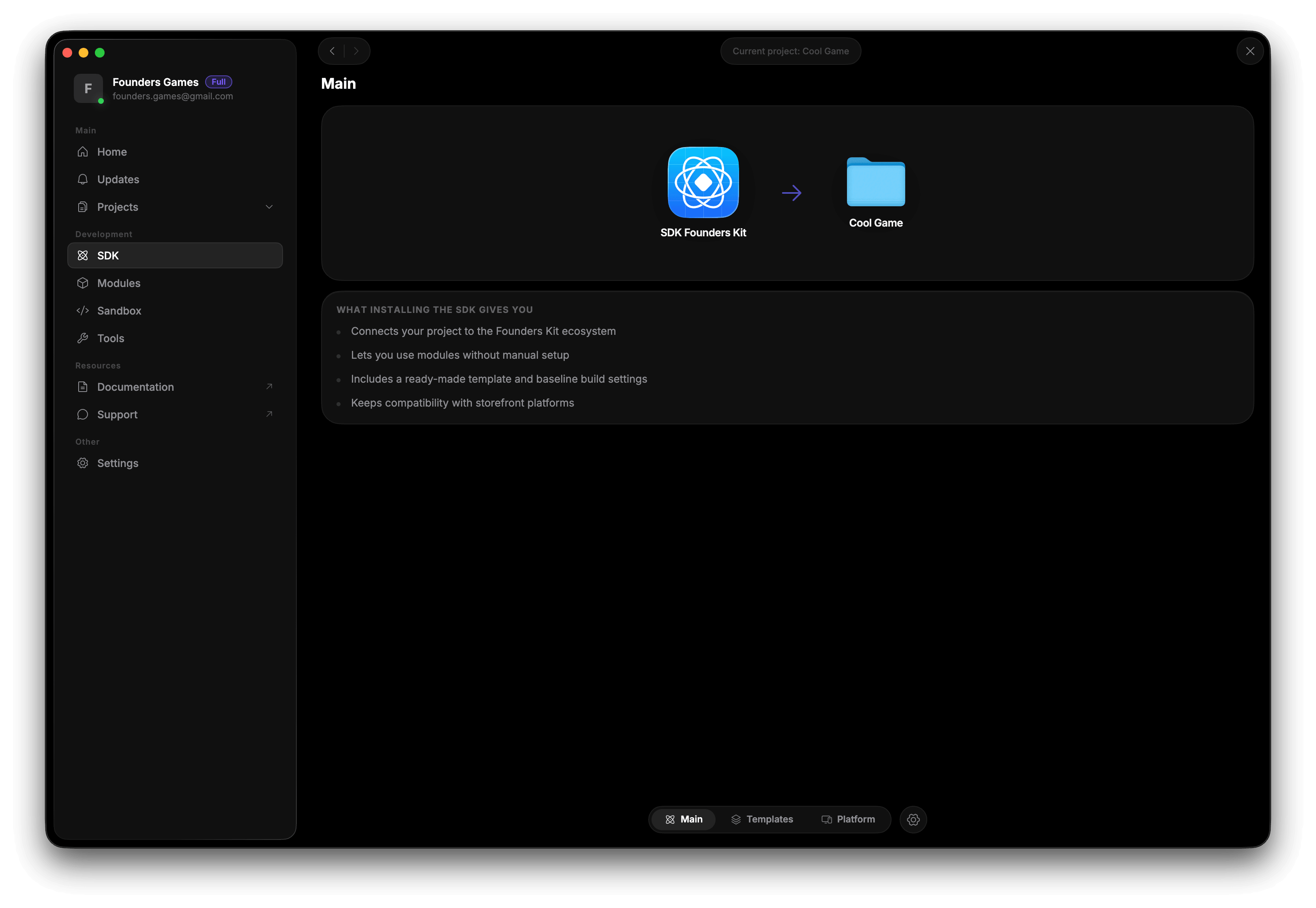
Add the SDK to your Unity project and get a single entry point to modules, platforms and ecosystem tools.
Connect the modules you need, configure platforms and use built-in tools for day-to-day project work.